Ad copy 6 min read
Responsive search ad character limits and how to write to them

A Google responsive search ad gives you up to 15 headlines at 30 characters each, up to 4 descriptions at 90 characters each and two optional display paths at 15 characters each. Google needs at least 3 headlines and 2 descriptions to run the ad, then assembles them into combinations, showing up to 3 headlines and 2 descriptions at a time. Anything over a field limit is rejected, so the limits are hard walls, not guidelines.
This post lists the exact caps, shows what gets cut and covers how to write copy that fits and still sells.
What is a responsive search ad?
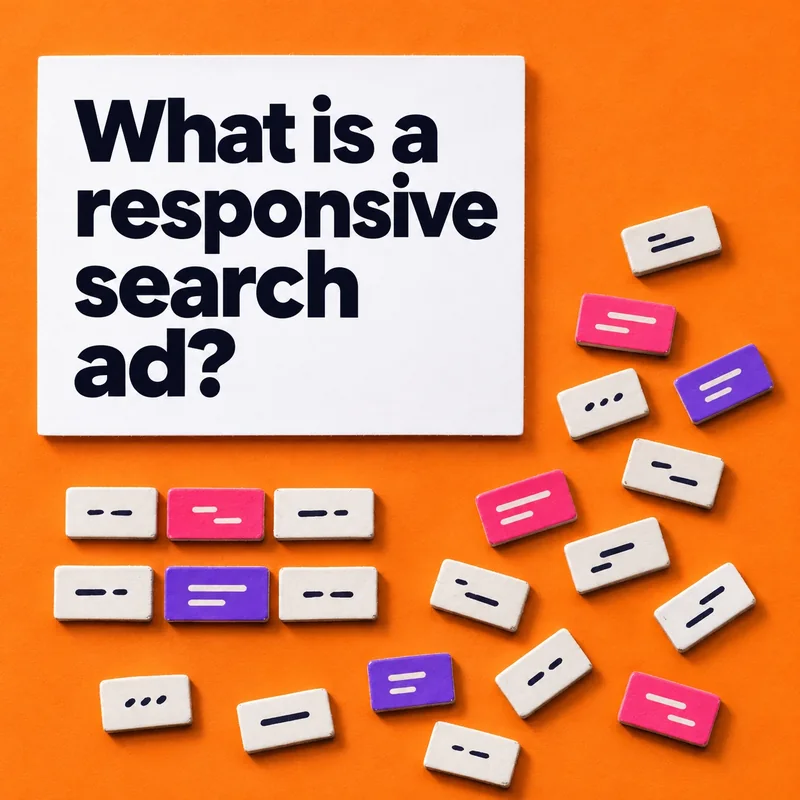
A responsive search ad (RSA) is Google's standard text ad format, where you supply many headlines and descriptions and Google mixes them into different combinations for each search. You are not writing one fixed ad. You are writing a pool of parts that has to read correctly in almost any order Google picks.
That single fact drives every rule below. Because the machine assembles the ad, each part has to stand on its own and stay inside its limit.
What is the character limit for a responsive search ad?
The character limit for a responsive search ad is 30 characters per headline, 90 characters per description and 15 characters per display path. Characters means every letter, space, number and punctuation mark, and most emoji count as two. You can enter up to 15 headlines and up to 4 descriptions, and Google requires a minimum of 3 headlines and 2 descriptions before the ad will serve.
Here are the full limits in one place.
Responsive search ad limits table
| Field | How many | Character limit each | Notes |
|---|---|---|---|
| Headlines | 3 to 15 | 30 | Google shows up to 3 at once, in any order |
| Descriptions | 2 to 4 | 90 | Google shows up to 2 at once |
| Display path 1 | 0 to 1 | 15 | Not a real URL, a keyword-relevant word after your domain |
| Display path 2 | 0 to 1 | 15 | Optional second path segment |
These limits are as of 2026 and reflect Google's current responsive search ad spec. Platform limits change, so confirm against Google Ads Help or your account before a big build, because a spec that shifted since you last checked will quietly reject assets.
What gets truncated in a responsive search ad?
Nothing gets truncated at the field level. Go over 30 characters on a headline or 90 on a description and Google refuses the asset outright, so the copy never runs at all.
Truncation happens later, on the screen. Google fits the assembled ad to the device and the layout, and a few things routinely get cut or dropped:
- Headlines past the first. Google shows up to 3 headlines but often shows 1 or 2, so your most important message has to survive in the very first headline alone.
- The second description. The second description frequently does not show on mobile, so treat description 1 as the one that always runs.
- Display paths on tight layouts. Paths can be shortened or hidden, so never hide anything load-bearing in a path.
- Long words near the cap. A headline at exactly 30 characters gives Google fewer combinations that fit, which is why aiming a little short helps.
How to write to responsive search ad character limits
The limits are not the hard part. Writing copy that sells inside them is. These are the Google Ads copy best practices that actually move performance.
- Front-load the value. Put the benefit or the keyword in the first few words of every headline and description, because the tail is what gets cut on small screens.
- One idea per headline. With RSA headlines at 30 characters, one clear idea fits and two do not. Pick the single strongest point and cut the rest.
- Vary the angle across the pool. Do not write 15 versions of the same claim. Spread them across jobs: some carrying the exact keyword, some benefit-led, some with a specific number or proof point, some with a call to action, some on brand or trust, one as a question.
- Never write headlines that depend on order. Google can show any 3 of your headlines in any order, so each one has to work as a complete standalone clause.
- Do not repeat an idea or an opening word. Duplicate headlines get filtered out and waste inventory, so every headline should earn its slot.
- Aim for 26 to 29 characters on headlines, not exactly 30. Mixed lengths give Google more combinations that fit different layouts.
- Make each description do three jobs in one breath. The benefit, the differentiator, the next step, inside 90 characters.
- Pin sparingly. Pinning locks a headline or description to a fixed position. It is useful for a legal line or a fixed brand name, but pinning too much removes the combinations that make an RSA work. Pin only what truly must stay put.
A few things also trigger disapproval regardless of length: ALL-CAPS words, double spaces, phone numbers in the text and unsupported superlatives like number one, best or cheapest. Keep headlines in Title Case, descriptions in sentence case, and use at most one exclamation mark per ad, never in a headline.
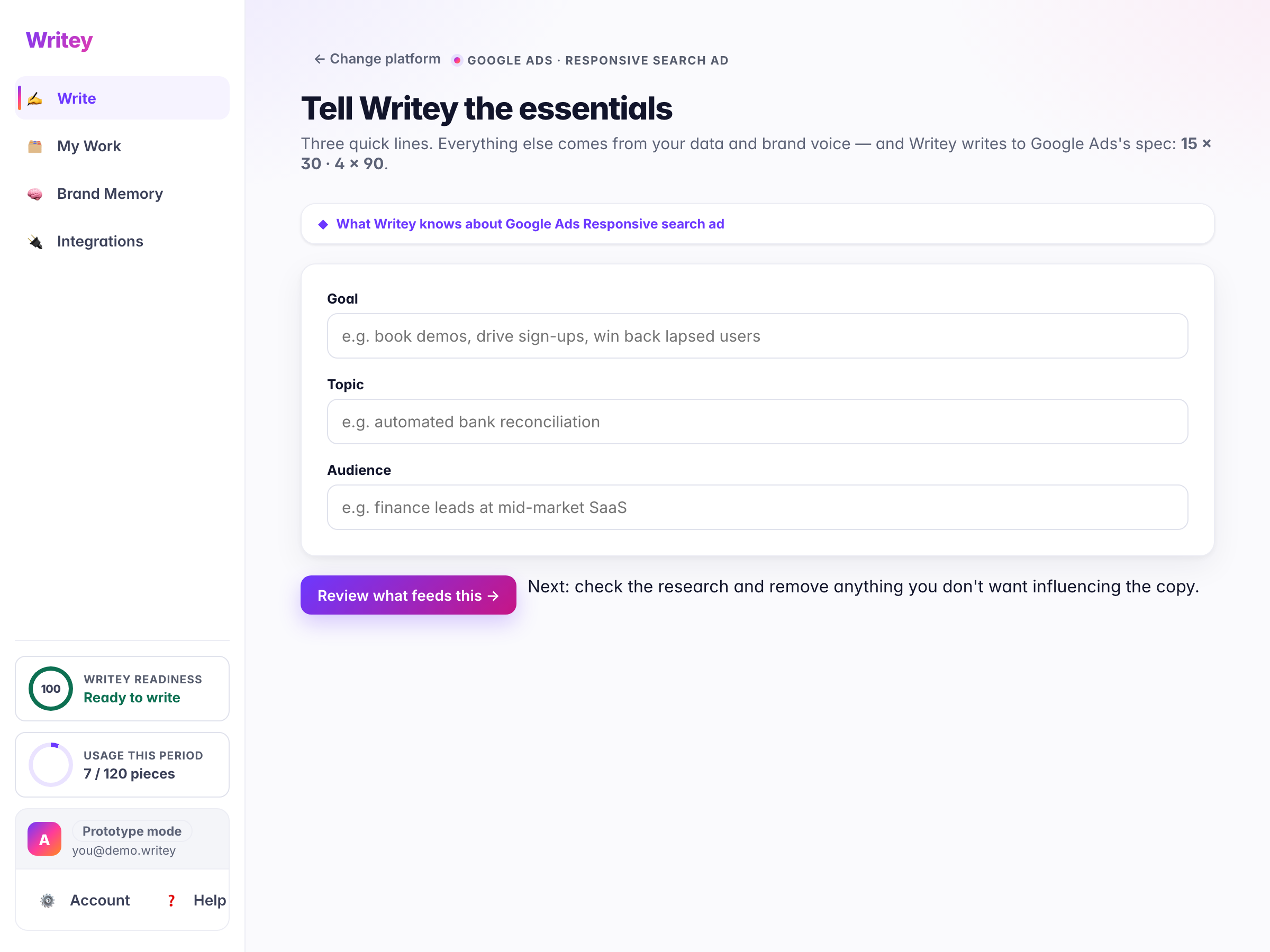
How Writey writes responsive search ads to spec
Writey generates the full RSA asset set against these exact limits: up to 15 headlines at 30 characters, up to 4 descriptions at 90, and both display paths at 15. A live character meter counts every field as you write, and a preflight check runs the same rules Google enforces, so ALL-CAPS, double spaces, banned superlatives and over-length assets are caught before you export. Every line is grounded in your brand facts, so the numbers and claims are real, not invented. See the formats Writey supports, or start writing free.
Frequently asked questions
How many characters is a Google responsive search ad headline?
A responsive search ad headline is limited to 30 characters, including spaces and punctuation. You can add up to 15 headlines and Google shows up to 3 at a time. Aim for 26 to 29 characters so more of your headlines fit different layouts.
How many headlines and descriptions does an RSA need?
An RSA needs a minimum of 3 headlines and 2 descriptions to run, and allows up to 15 headlines and 4 descriptions. More assets give Google more combinations to test, so filling all 15 headlines and all 4 descriptions is the recommended setup.
Should I pin headlines in a responsive search ad?
Pin only when a line must always show in a set position, such as a required legal disclaimer or a fixed brand name. Pinning too many assets removes the combinations that make an RSA effective, so most ads perform better with little or no pinning.